Library & Playback
Every recording in one place — folders, rename, favorites, search, sort, multi-select, playback with skip and speed controls, and Recently Deleted.
Library & Playback
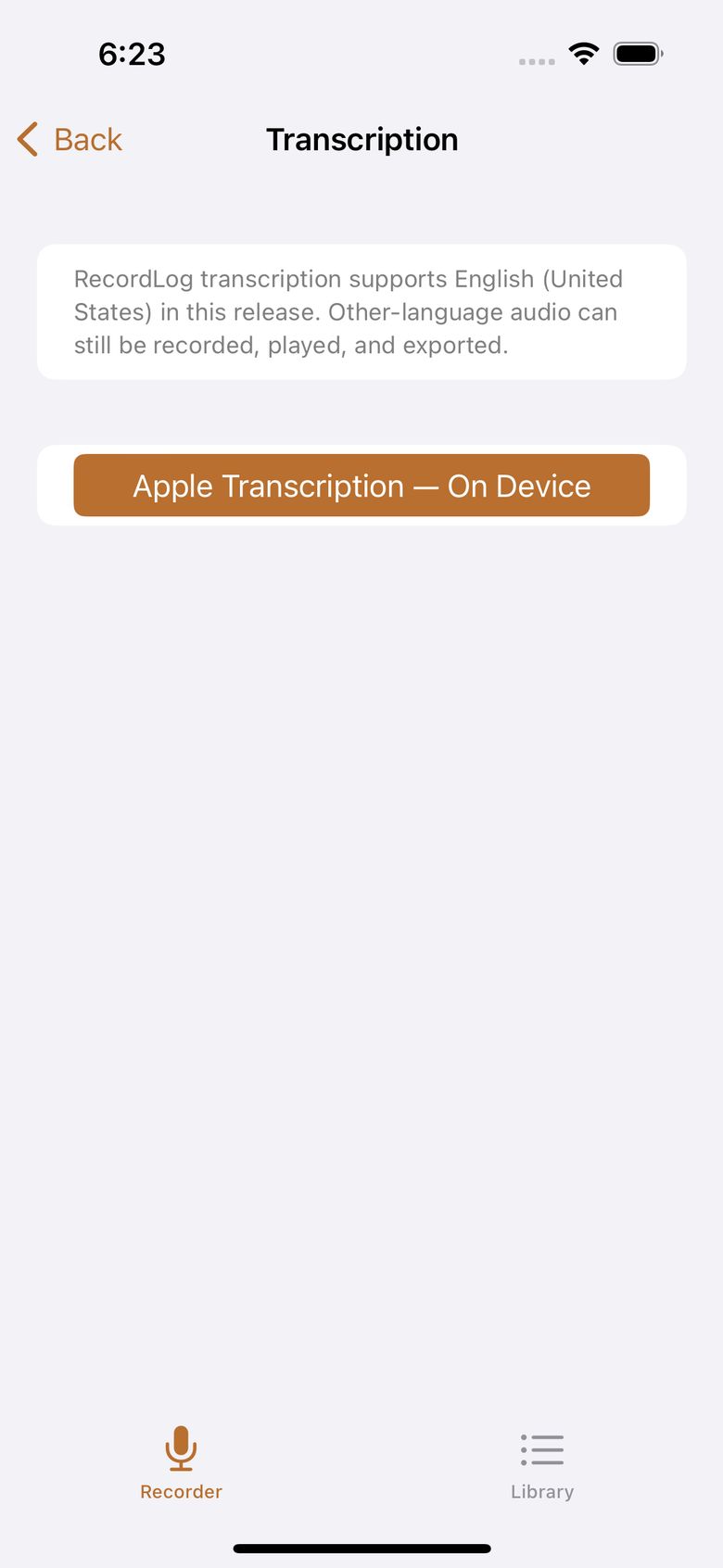
Every finished or recovered recording appears in the Library with its name, date and time, length, format, file size, folder, favorite star, trim status, transcript status, and whether the audio is on your phone or only in your cloud backup.
- Folders — make, rename, reorder, and delete them. Folders live on this iPhone only: moving a clip into one organizes it locally and never sends it anywhere. Deleting a folder never deletes recordings by surprise: the app asks whether to move them to
No Folderor cancel.
- Rename — names are yours. Two recordings can share a name because the app tracks them separately inside.
- Favorite — taps a star onto the recording as your personal marker. In version 1 the star is just a marker on the row: there is no favorites-only view and favorites don't float to the top (sorting stays Newest/Oldest/Name/Duration/Size).
- Lock — delete protection, nothing more. A locked recording refuses Delete with a "Recording Locked" notice until you Unlock it. New recordings start unlocked; the button shows the action (Lock = currently unlocked, Unlock = currently locked). Lock doesn't affect playback, rename, trim, export, or archiving.
- Search and selecting several items for exporting or deleting together.
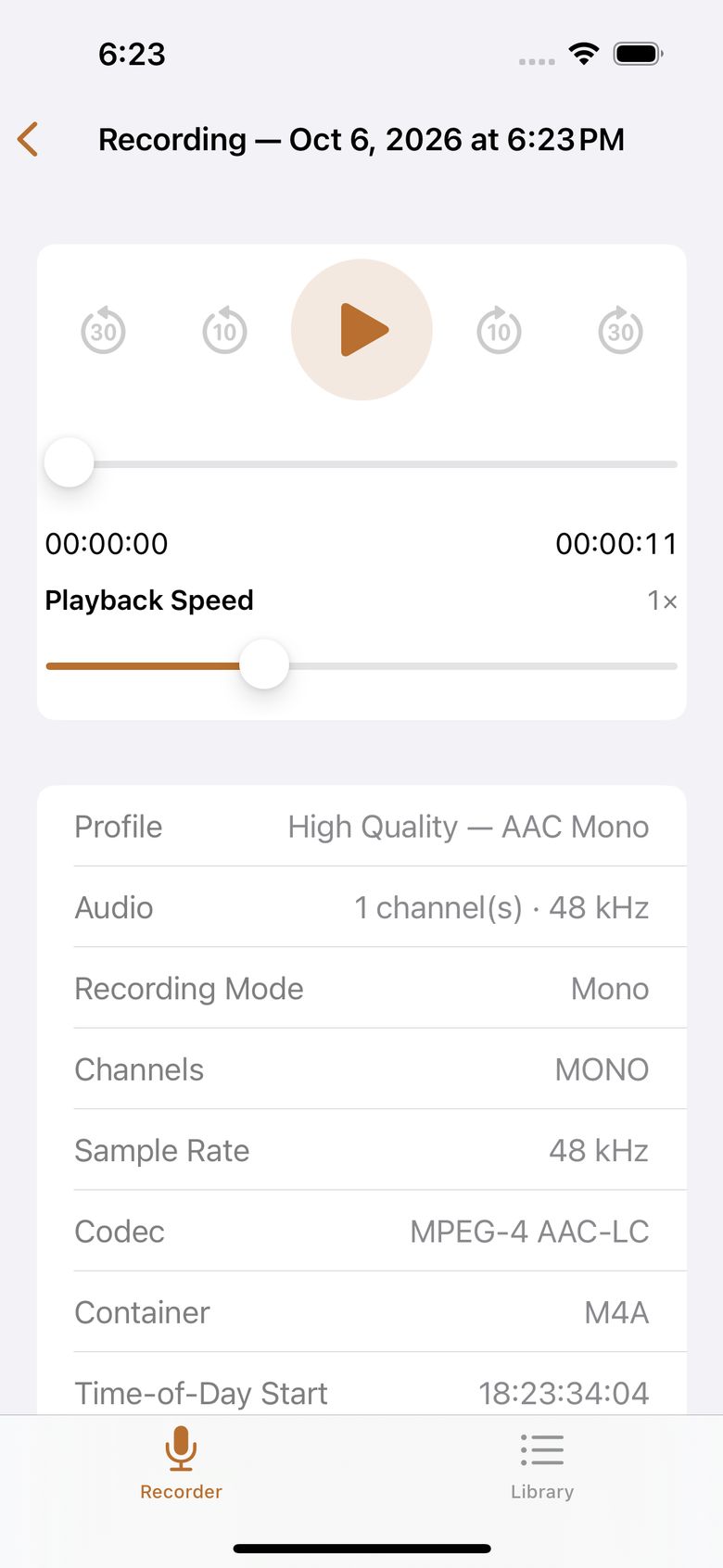
- Playback — play, pause, drag to any point, skip back or forward (−30 / −10 / +10 / +30 seconds), and change speed (0.5×–2×). Your speed is remembered.
- Storage caption — under the Library title, the remaining recording time for your current preset, so clearing space is an informed decision.
- Select All + bulk delete — select everything at once and move it all to Recently Deleted with one confirmation that says the count.
- If a recording is missing, stored only in the cloud, unavailable, or damaged, the app says which one it is. A cloud-only entry offers Restore instead of a broken play button.
Recently Deleted
Deleting a recording moves it to Recently Deleted for 30 days. To bring one back, swipe right on it to reveal the Restore button, tap it, and it's back in your library. You can also erase it right away. After 30 days the phone copy, its name and folder info, trim, and transcript are removed. Copies you archived to your own cloud folder are separate — RecordLog never deletes those.