Trim
Cut dead air off the start or end of a recording — non-destructive preview, atomic save, and what happens to transcripts when you trim.
Trim
Trimming cuts unwanted sound off the start and/or end of a recording — the "cut the dead air" edit. It is a straight cut at each end: everything in between stays in the same order and plays as one piece. Trimming never removes a piece from the middle, never fades, never splits, and never mixes.
Ask to Trim After Recording is on by default. After you stop, pick Trim Now to open the trim screen, or Not Now to do it later from the recording's menu.
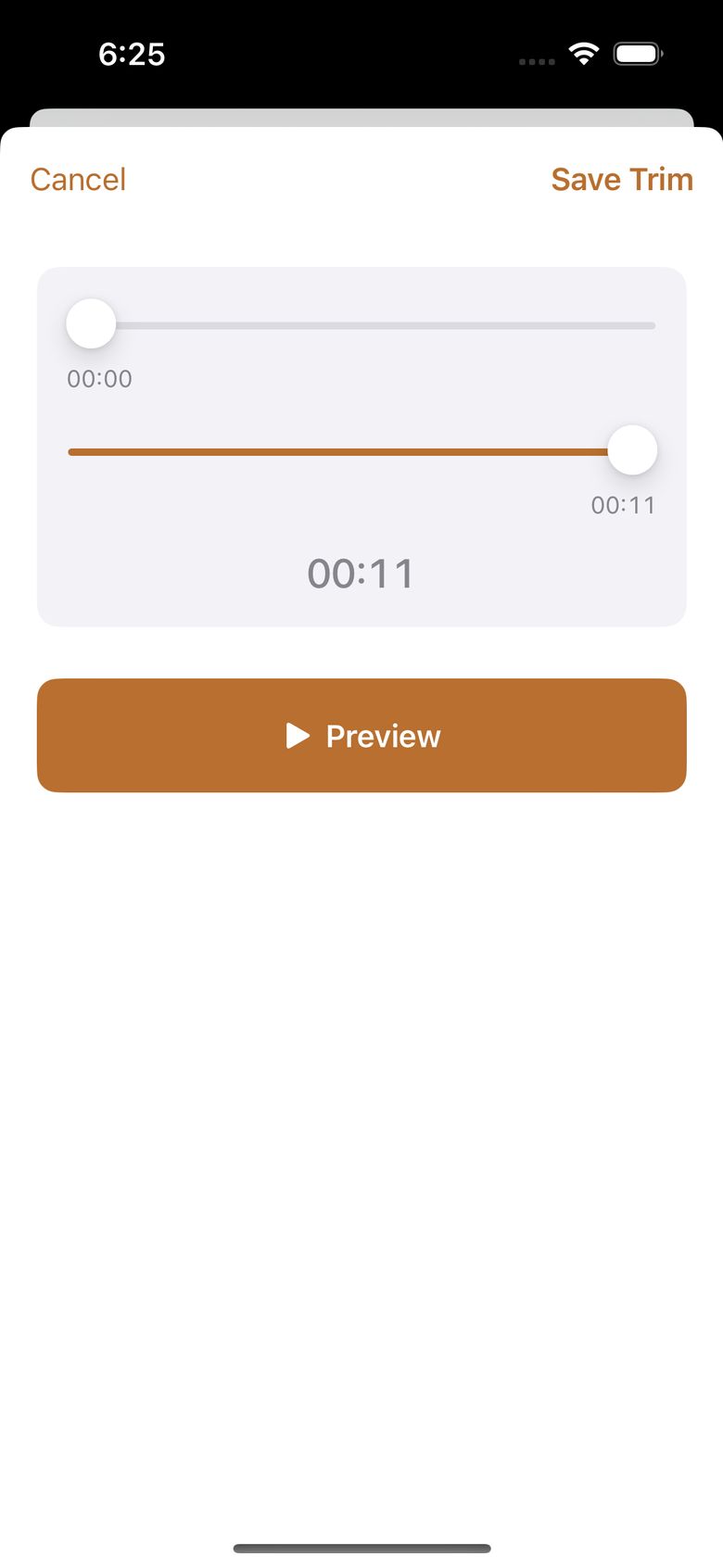
You preview your trim without changing anything, then tap Save Trim. The app writes the new audio, checks that it plays, swaps it in, and only then removes the old phone copy. If anything fails or you cancel, the original is untouched. The confirmation says plainly that trimmed-away audio can't be brought back from the phone.
If the recording already has a written transcript, text outside your kept range is removed, the remaining text is shifted so the new audio starts at 00:00:00, and any sentence crossing your cut is marked Needs Review. RecordLog has no cut-from-the-middle, split, fade, or mix tools.